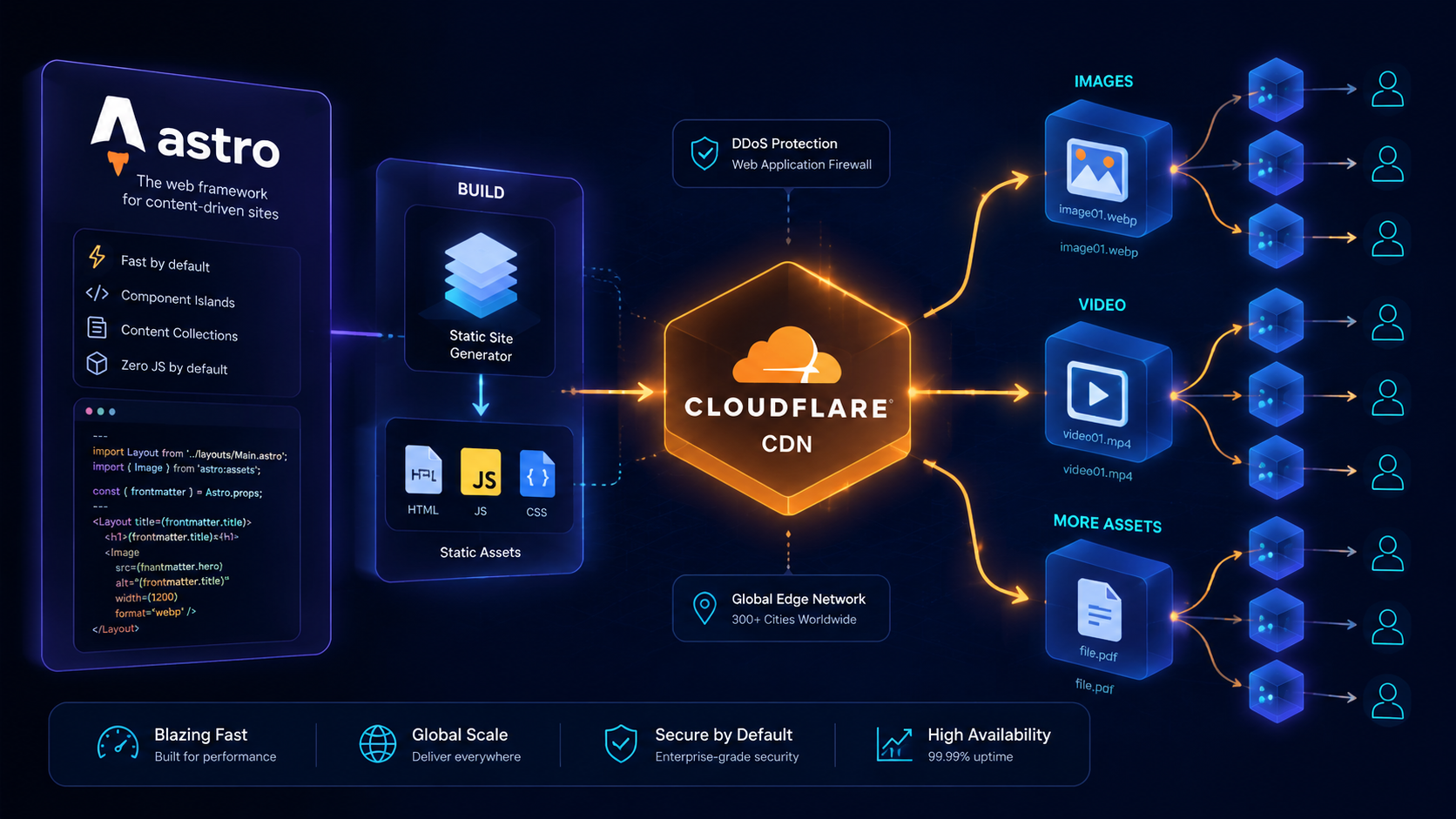


The Back Button Is Also a Performance Test for Video Pages
A video page can load fast and still feel slow on return. Mintec's framework for protecting bfcache, state, and controls in Astro.
The Back Button Is Also a Performance Test for Video Pages
A video page is not done when its LCP improves. It also needs to return immediately when someone presses Back. That depends on whether the player, its listeners, and its network work allow the browser to restore the page from bfcache instead of building it again.
Performance reviews usually start with first render, hero weight, and the first interaction. That is sensible, but it misses how people actually browse. They open a case study, drill into a detail page, go back to compare another option, then revisit the one that looked promising. If that return repeats loaders, analytics startup, player initialization, and requests that no longer add value, the site feels slow even when its initial load was excellent.
The back/forward cache, usually called bfcache, holds an in-memory snapshot when a visitor leaves a page. When a document is eligible, Back or Forward can restore it without reconstructing the document from scratch.[1] It is not CDN caching and it is not a framework feature. It is part of real browser navigation.
Video pages are where eligibility often gets lost. They carry third-party SDKs, global listeners, visibility observers, analytics connections, and cleanup code that tries to remove everything on the way out. Any of those choices can turn an immediate return into another full load.
Fast pages and fast returns are different jobs
A sensible media strategy already cuts the cost of the first visit. We have covered why video and audio should load on demand, how video affects device work in media performance debugging, and the tradeoffs in choosing a video host. Those practices answer one question: “What does it cost to get here?”
bfcache asks another one: “What does it cost to come back?”
| Point in the journey | Fragile implementation | Outcome to target |
|---|---|---|
| First visit | The player downloads too soon | A visible poster and media requested when needed |
| Playback | An SDK adds unmanaged listeners | A clear owner for every listener |
| Leaving the page | The app destroys everything in unload | State that can safely pause or freeze |
| Returning with Back | Fetches repeat and the player starts from zero | A restored document, coherent UI, and intentional playback |
The common mistake is to patch the last row with brute force: “when the visitor leaves, unmount everything.” It is understandable, especially after a memory-leak investigation. But the goal is not an empty room for the browser. The goal is a page that can freeze and resume without lying about its state.
Our four-contract review for video and bfcache
We use four contracts during an architecture review. They do not replace browser testing, but they stop the discussion from getting trapped in framework preferences or video-vendor checklists.
1. Lifecycle contract
Code has to accept that the page may return without a reload. The pageshow event lets you identify a restoration with event.persisted; MDN documents that flag for exactly this situation.[3]
There is no reason to boot the whole application again. Reconcile what the visitor can see: controls, poster frame, mute state, and displayed time. A module that initializes a new player every time pageshow runs gives up the benefit and creates duplicates that are hard to spot.
window.addEventListener('pageshow', (event) => {
  if (!event.persisted) return;

  refreshVideoControls();
  syncPosterAndPlaybackState();
});
In an Astro site, keep this next to the island that owns the player. Do not put it in a global listener that has to guess which route is active. The same rule applies to a hosted provider: the integration should expose a way to synchronize state, not force you to create another instance.
2. State contract
A player has two kinds of state. Some is visible and worth preserving: position, volume, selected captions, and whether playback was paused. Some is temporary and should not decide the interface after a return: a stale spinner, a resolved network error, or a promise from the previous visit.
Define the expected return before you add persistence. Our default is deliberate: do not resume audible video automatically after Back navigation. Restore the position and give the visitor a clear way to continue. It is more respectful, and it stops an unexpected restore from producing sound during a meeting.
That decision is not a bfcache requirement. It is product design. bfcache merely exposes when the team never made the decision.
3. Network contract
A Back navigation should not query the CMS, the recommendation endpoint, and the analytics provider as if it were a fresh visit. That does not mean hiding the behavior from measurement. It means classifying it correctly.
Keep navigation measurement separate from content impressions. If analytics needs to record a restore, send an event such as page_restored_from_bfcache; do not reuse a pageview event that triggers personalization, fetches, or autoplay. Astro's content-layer approach to multiple sources is useful here because stable content does not need to be requested again for every interaction.
Review sockets, polling, and background refreshes too. A player that keeps asking for live state after its page is hidden is not more responsive. It just leaves more work behind for a return.
4. Control contract
The visitor must get an interface that matches reality. If the restored page is paused, the button needs to say play. If captions were enabled, they cannot look disabled. If the video is a product demonstration, focus should not jump to a hidden control or disappear after Back.
This is where performance, accessibility, and UX meet. We treat it as an acceptance test: returning to a page should preserve context, but it must never seize attention or restart sound.
What to inspect before blaming Astro or the video provider
Astro does not automatically remove a bfcache blocker, just as Next.js or a headless CMS does not create one by itself. The issue is usually in the JavaScript layered on top: ad SDKs, chat widgets, players, analytics, or transition code.
Chrome provides bfcache diagnostics and reasons for a failed restoration. Use them to investigate, not as a universal rules list, because support and failure reasons differ across browsers.[2] The review sequence is practical:
- Open a real page with video, let it reach a recognizable state, then move to another internal route.
- Return with Back. Check position, controls, focus, captions, and silence.
- Repeat with developer tools open to establish whether the browser restored the page or loaded it again.
- If it was not restored, identify the responsible listener or integration first. Do not add another
unloadhandler as a fix. - Test in the browsers your audience uses. A result that only works on a developer laptop is not an architecture decision.
Chrome advises against unload because it can prevent bfcache.[2] Treat that as an alarm, not an invitation to replace it with aggressive pagehide work. Ask what resource really needs releasing. Often it is enough to pause playback, stop polling, and prepare the UI to reconcile when the page returns.
The question that changes a platform decision
Video-hosting comparisons usually cover cost, analytics, DRM, adaptive streaming, and embed convenience. Add one operational question: “Can we control the player lifecycle without patching the whole document?” If the answer is no, a vendor can have a polished dashboard and still be a poor fit for a site built around exploration.
The same is true of a headless CMS. WordPress, Sanity, and local files do not determine bfcache. Runtime code, integrations, and state decisions do. A static frontend with a badly isolated player can provide a worse browsing experience than a dynamic site that is instrumented well.
The Back button looks small. It reveals whether a site understands a visit as a connected sequence of screens or as disposable pages. For a site with video, visitors feel that distinction every time they compare one piece with another.
Sources
[1] https://developer.mozilla.org/en-US/docs/Glossary/bfcache — MDN: bfcache [2] https://developer.chrome.com/docs/web-platform/bfcache — Chrome for Developers: bfcache [3] https://developer.mozilla.org/en-US/docs/Web/API/Window/pageshow_event — MDN: pageshow event
Frequently Asked Questions
What is bfcache on a website?
bfcache is an in-memory page snapshot a browser can restore when someone navigates with Back or Forward. When a document is eligible, the browser avoids rebuilding the full page.
How can I tell whether a video page uses bfcache?
Test Back and Forward in a real browser and check whether pageshow fires with persisted: true. Chrome DevTools can also identify why a page was not eligible for the back/forward cache.
Should I destroy a video player in pagehide?
Not by default. Test the navigation first. Pausing, releasing truly temporary work, and reconciling the interface on a persisted pageshow is often safer than blindly tearing down the player.